

Showing posts with label Photoshop. Show all posts
Showing posts with label Photoshop. Show all posts
Tuesday, 27 November 2018


Monday, 26 November 2018
Character Design Continued - The Cherry Red Shed - Grandad

Tuesday, 20 November 2018
Monday, 19 November 2018

Friday, 16 November 2018

Thursday, 15 November 2018
Character Design Continued - The Cherry Red Shed - Myself

These are the final two character designs with three different variants alongside them to see what ones are the most appropriate, and also to see if their designs work slightly better with slight adjustments. The final design will then have its colour palette chosen and orthographs drawn out ready to be taken into Maya for modelling.
Tuesday, 13 November 2018
Minor Project - Animatic 2 - Development
Creating the saw section as it wasn't translating well being hand-drawn. And also adding an image of my Grandad within the animation before the woodshaving section. I would like to add some extra photos as well in other places such as in the room with the boxes scene but haven't quite got to that yet. The first video is of the animatic with the changes in and below are the changes on their own.
Monday, 12 November 2018
Minor Project - Animatic 2 - Development
Here I have been adding more parts to my animation as there were several things that needed to be looked into. I am still working on this so it's not quite yet finalized but is nearly ready to be turned into a full pre-vis.
 |
| Extra page 1 |
 |
| Extra page 2 |
 |
| Extra page 3 |
 |
| Extra page 4 |
 |
| Added Frame 1 |
 |
| Added Frame 2 |
Friday, 9 November 2018
Progression of Animatic into Pre-Vis
This is currently how far I have got in turning my animation into a pre-vis. I am further behind than I wanted to be as I've had a couple of issues with Maya not enjoying some of the camera angles and having to fix that. I am also working behind the scenes to fix and change areas within my storyboard as I feel its still not quite there so drawing those scenes is still in progression. I am pleased with the majority of the animation as a whole now and it should start speeding up from here.
Wednesday, 10 October 2018
Minor Project - Animatic 2
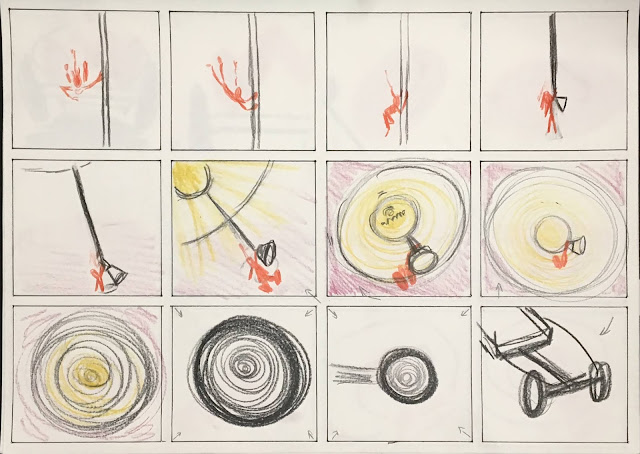
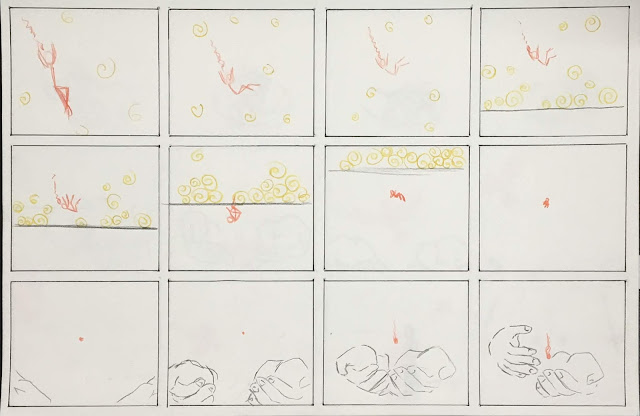
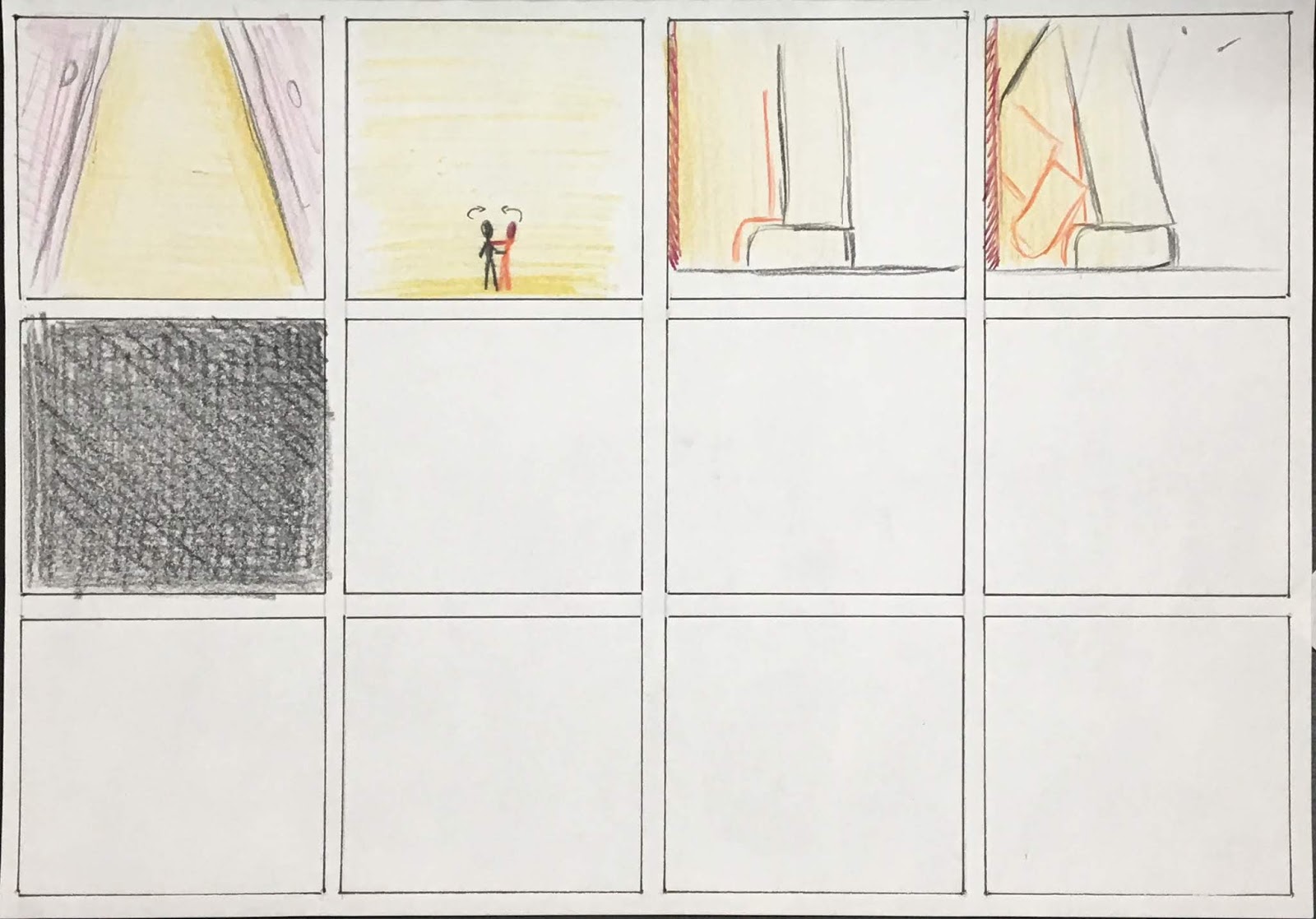
After my feedback with Phil, we decided it would be better if my animation was more magical and abstract, playing with sizes, proportions, angles and camera shots. He showed me a video called one-minute puberty [Link Here] where this is demonstrated brilliantly. I have now re-drawn my storyboard (below video) to make it more interesting and magical. I'm determined to get this animation perfect!
 |
| Pg1 |
 |
| Pg2 |
 |
| Pg3 |
 |
| Pg4 |
 |
| Pg5 |
 |
| Pg6 |
 |
| Pg7 |
 |
| Pg8 |
 |
| Pg9 |
 |
| Pg10 |
 |
| Added Frame 1 |
 |
| Added Frame 2 |
 |
| Added Frame 4 |
 |
| Added Frame 3 |
 |
| Added Frame 5 |
Monday, 8 October 2018
Minor Project - Animatic 1 - Revised
There were a couple of things that I didn't like in my previous pre-vis so I have made changes accordingly, there is a section that I've left out and will be seeing Phil today to see what can be done for improvement. Depending on what improvement is needed depends on what task I'll be doing next.
 |
| An image of the storyboard extras I added. |
Minor Project - Animatic 1
Now that I've got the sound to go with the video and the storyboard, I have created my first animatic version of my new (and hopefully improved) piece. There are still things I am not happy with as some parts of the animation are rushed / out of sync a bit and there are some frames I would like to improve upon.
Minor Project - Adding Sound
I have now after multiple attempts created a voice over for my script. The next part after this will be to create a really rough animatic that can go over the top of this.
Wednesday, 16 May 2018
Arnold - Part 23: AOV's
 |
| Screenshot 1 - adding ambient occlusion to AOV list |
 |
| Screenshot 2 - adding modes |
 |
| Screenshot 3 - brightening the eyes |
 |
| Final image from Photoshop |
Monday, 7 May 2018
Grandfathers Rocking Horses - Image Sequencing & Camera Mapping


Above I have been testing out several techniques, this included adding a hand-drawn image sequence drawn roughly in photoshop and then exporting it and turning it into a video to be camera mapped in Maya. I have learnt a huge amount from both of these processes and how I want my animation to look like when done, however, I will look into how to speed up the drawing process as in the video I have duplicated coloured frames which is noticeable but was fine to use in this demonstration as an example.
Sunday, 6 May 2018


Subscribe to:
Posts (Atom)